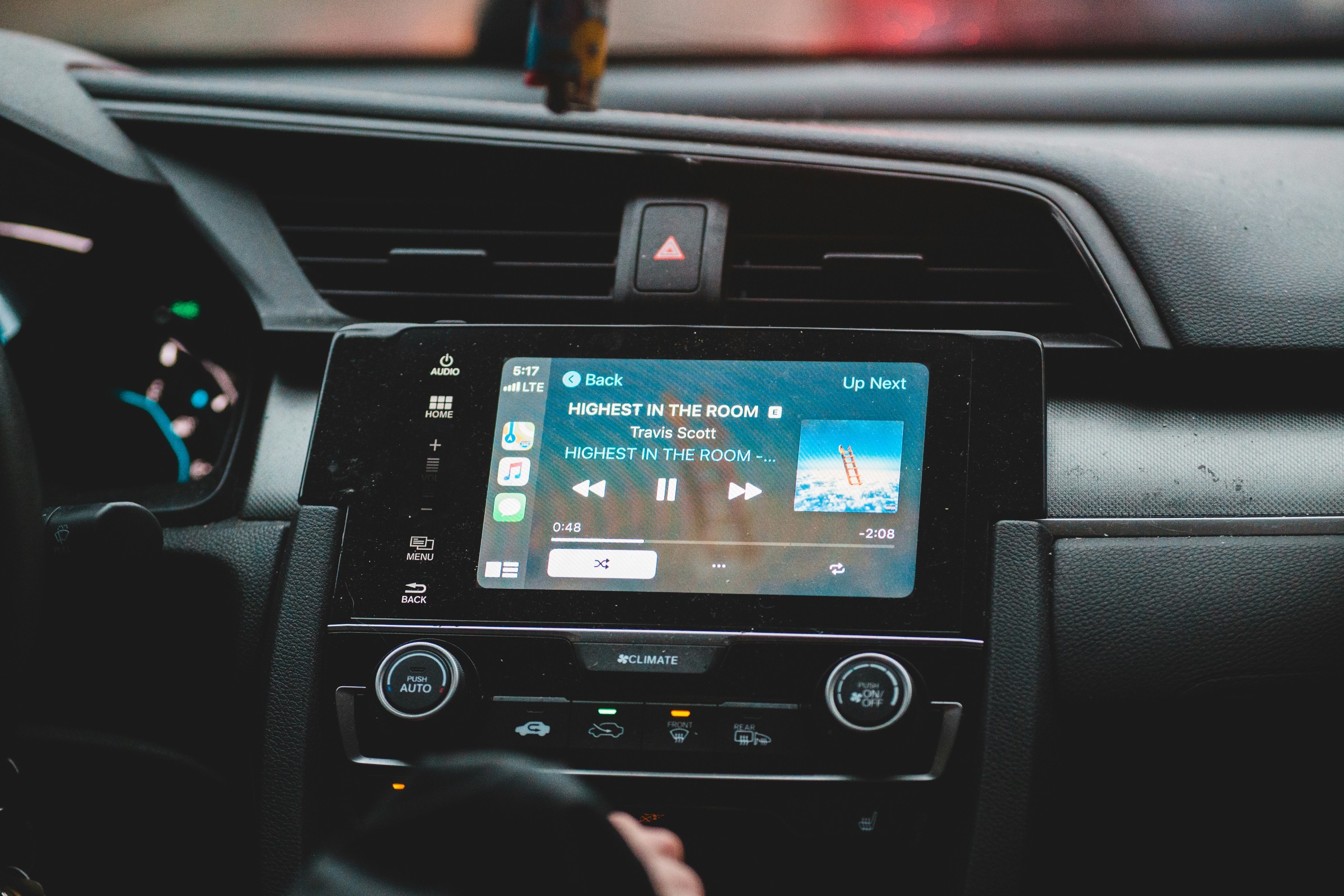

This guide explains why music over Bluetooth stops, skips or sounds poor in the car, what to try first, and when the stereo itself is the problem. The fixes come from Apple’s and Google’s own help pages and the Bluetooth SIG, the body behind the Bluetooth standard. Details about Xtreme Car Audio come from its own website. Road rules are correct at the time of writing (October 2026).
When Bluetooth audio stops working in the car, start with the free fixes Apple and Google recommend. Switch Bluetooth off and on, restart the phone, and forget the car and pair again. Then check the media audio setting and both volume controls, and update the phone and the stereo. If two different phones show the same fault, the stereo is the more likely cause. Xtreme Car Audio, a car audio workshop in Blacktown, Western Sydney, diagnoses Bluetooth and connectivity faults and fits head units with Bluetooth built in.
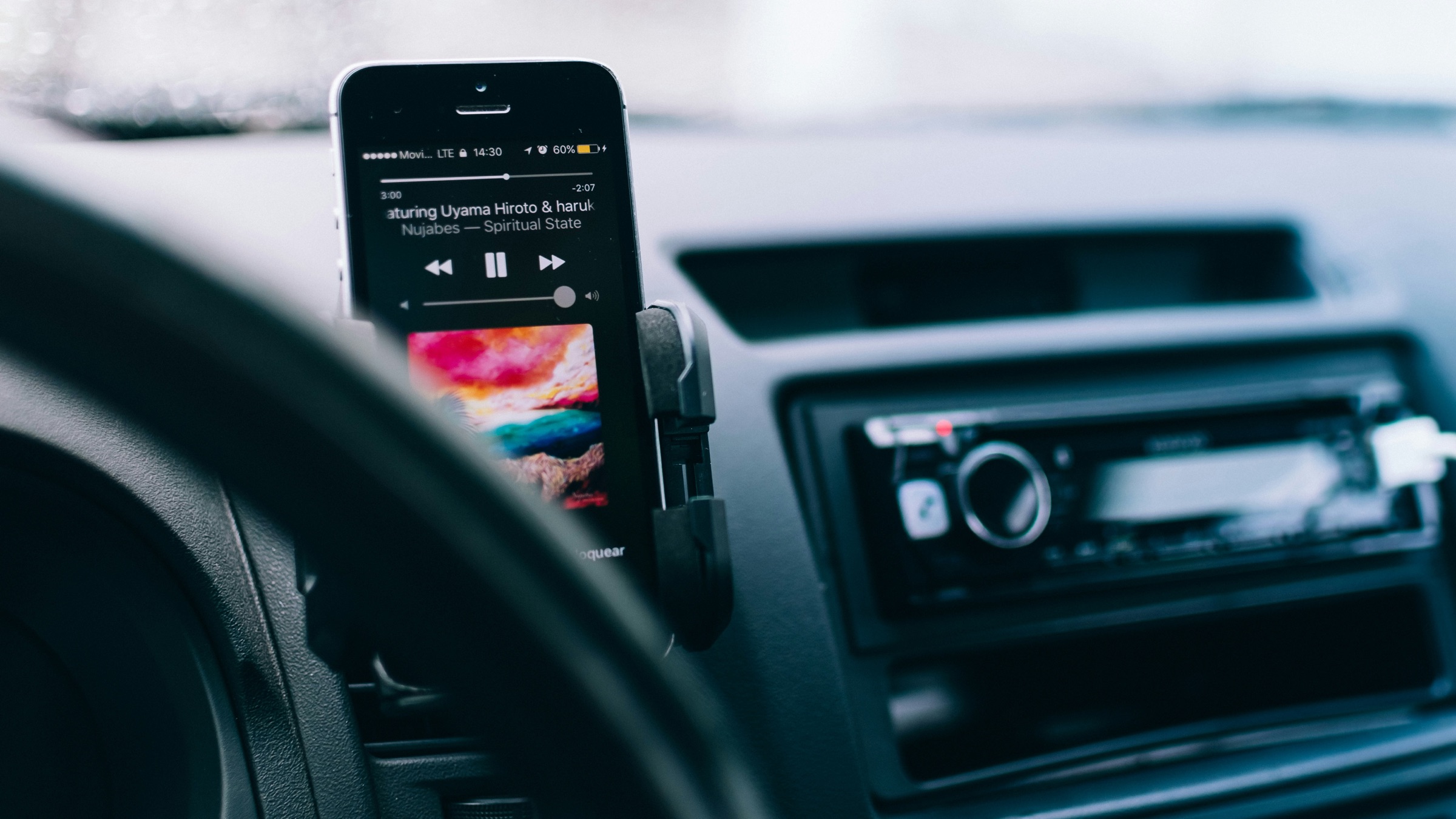
Wireless audio in the car means music, podcasts or calls sent from a phone to the stereo by short-range radio, with no cable. The stereo, also called the head unit, receives the signal and plays it through the car’s speakers.
According to the Bluetooth SIG, Bluetooth Classic has become the standard radio protocol behind wireless speakers, headphones and in-car entertainment systems. A good connection needs the phone, the head unit and the settings on both to agree. When one of the three falls out of step, the sound stops, skips or drops in quality.
The seven problems below each have a first fix to try before booking anything in. The table shows where each fix comes from; the sections after it give the details.
| Problem | First fix to try | Where the fix comes from |
|---|---|---|
| Phone won’t connect | Forget and re-pair on both sides | Google and Apple |
| Connected, no music | Turn on Media audio; pick the Bluetooth source | |
| Keeps disconnecting | Update phone and stereo software | Apple |
| Stuttering | Switch off unused wireless devices | General guidance |
| Static or hiss | Try a clear FM frequency or check wiring | General guidance |
| Thin sound | Compare with USB or radio | General guidance |
| Too quiet | Turn up the phone and the stereo |
Pairing can fail when the phone and the car each remember an old connection that no longer matches. Apple and Google both suggest clearing those records and starting again.
Calls work, yet nothing plays. That pattern is the classic case of car Bluetooth audio not working while the connection itself is fine.
On an Android phone, Google’s help page says to open the car’s entry in the Bluetooth list and make sure Media audio is on. On any phone, check the volume on both the phone and the stereo, set the stereo to its Bluetooth source rather than radio or USB, and make sure earbuds or another speaker aren’t taking the sound.
Google also points out that not every car can play music over Bluetooth. If music has never worked in a particular car, the stereo may simply not support it.
Dropouts that come and go can trace back to software or to another device taking over the connection. Work through these checks in order.
Music that skips every few seconds can point to a crowded radio band. The Bluetooth SIG explains that wireless technologies like Bluetooth and Wi-Fi can interfere with each other when their use of the band overlaps. Bluetooth interference in car cabins can come from a second phone, a smartwatch or a portable Wi-Fi hotspot.
Switch off Bluetooth on devices nobody is using, close apps you don’t need and restart the phone. If skipping happens with only one streaming app, try a different app. Apple gives similar advice for car playback over USB: if a third-party app won’t play, contact the app’s developer.
Steady hiss or whine in a car with an add-on Bluetooth gadget can come from the gadget rather than from Bluetooth. This is general guidance based on how these devices work, not the finding of a study.
Static from a stereo with Bluetooth built in needs a check of the wiring and the head unit. Phone settings won’t fix that kind of noise.
A simple test separates a Bluetooth problem from a speaker problem: play the same song over Bluetooth, then over USB or the radio.
If only Bluetooth sounds thin, look at the phone. Some streaming apps have a quality setting, and an equaliser on the phone can stack on top of the stereo’s own. Set one equaliser flat and adjust the other.
If every source sounds flat, Bluetooth isn’t the cause. Factory speakers can be the limit, and better speakers, subwoofers and amplifiers change the sound far more than any phone setting.
Low volume can be a mismatch between two controls. The phone sends its own volume level to the stereo, so Google’s first check is to turn up both the phone and the car.
Some head units also have a level setting for each source in their menu. When Bluetooth plays quieter than the radio at the same volume, check that menu or the unit’s manual.
After every fix above has been tried, a few signs point to the head unit rather than the phone:
Bluetooth and connectivity faults are among the problems the Blacktown team diagnoses and repairs in the workshop. The Xtreme Car Audio home page puts it plainly: not every problem requires a new car audio system. The guide on whether to repair or replace a car stereo covers that bigger decision.
Cars without Bluetooth have three main ways to add it, and they differ in effort and in how clean the sound is. Here is how they compare.
| Option | How it works | Things to know |
|---|---|---|
| FM transmitter | Sends phone audio to an empty FM frequency | Quick to set up; prone to static |
| USB-powered AUX adapter | Plugs into the stereo’s AUX socket | Needs an AUX input; wires on show |
| New Bluetooth head unit | Bluetooth built into the stereo | Calls and music through the car; professional fit |
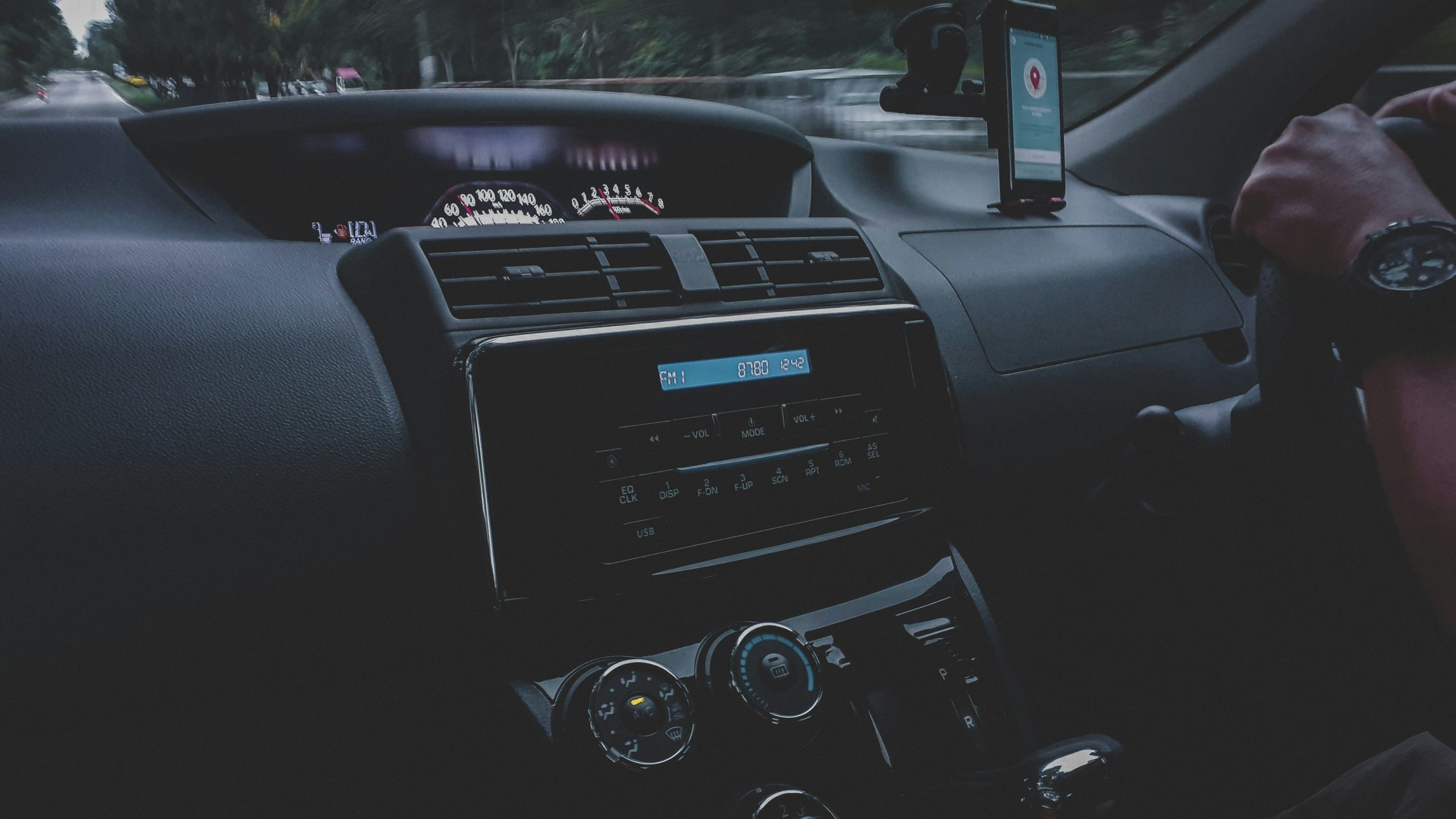
A Bluetooth car audio FM transmitter works in nearly any car with a radio. Its weak point is finding a clear FM frequency, which can be harder in the city, where more stations crowd the dial.
A USB Bluetooth audio adapter for car stereos with an AUX socket sends the signal in by cable, so it avoids FM static. It still leaves a gadget hanging off the dash, and it won’t handle hands-free calls unless it has its own microphone.
Both gadgets are stop-gaps for a second car or a short-term fix. For a car you plan to keep, adding Bluetooth for car audio through a proper head unit gives a tidier, more reliable result. Xtreme Car Audio does not list plug-in adapters or transmitters as products, so this part is general information.
The main choice is between a unit that only streams and calls, and one that also runs Apple CarPlay or Android Auto. A few features then make daily driving easier.
A Bluetooth audio car stereo plays music and handles calls. A unit with Apple CarPlay or Android Auto also puts maps and apps on the screen. The table sets out the difference.
| Feature | Bluetooth-only unit | CarPlay or Android Auto unit |
|---|---|---|
| Music streaming | Yes | Yes |
| Hands-free calls | Yes, with a microphone | Yes, with a microphone |
| Maps and apps on screen | No | Yes |
| Connection | Bluetooth | Wired, or wireless on some units |
Drivers who use maps every day may prefer an Apple CarPlay head unit or an Android Auto head unit. According to Xtreme Car Audio’s Android Auto page, a wireless Android Auto unit connects through Bluetooth and Wi-Fi together, so there’s no cable to plug in for each trip.
Whichever type of unit you choose, these features are worth asking about before you buy.
When comparing Pioneer car audio Bluetooth models with Kenwood or Sony ones, look past the badge and the screen size: check how well the unit fits the dash and whether it keeps the car’s existing controls.
For the most reliable Bluetooth audio for car trips, a built-in unit beats a plug-in gadget. That conclusion is our interpretation of the trade-offs above, not the result of a test.
At the time of writing (October 2026), the NSW Government says a driver with a full licence can use a phone hands-free, without touching it, only to make or receive voice calls and to play audio such as music and podcasts. The same page bans learner, P1 and P2 drivers from using a mobile phone while driving, whether it is hand-held, in a holder or hands-free. Rules change, so check the current version on the NSW Government website listed under Sources.
Before booking a repair, the pairing, software and interference fixes above are worth the few minutes they take. When every phone fails or the faults keep getting worse, look at the stereo, and for a car without Bluetooth, a proper head unit is the long-term answer.
Xtreme Car Audio has fitted and repaired car audio from its Blacktown showroom and workshop since 2008. The team can diagnose and fix Bluetooth and connectivity faults, and it supplies and fits head units from brands such as Kenwood, Pioneer and Sony, including hands-free microphones and steering wheel controls. All fitting is done in-house, most standard installations take one to two hours (complex jobs take longer), and the shop gives a “lifetime warranty on all installations completed by us”. Visit 153 Main St, Blacktown, call (02) 8814 9244, or get in touch with the team to talk about your car.
The sources below were accessed in October 2026. Facts credited to them in the article are their findings. Information about Xtreme Car Audio is taken from the business’s own website. Points marked as general guidance or interpretation are our own reading, not the findings of these sources.
This article was written by the Xtreme Car Audio team, a car audio business based at 153 Main St, Blacktown, since 2008.
The team fits head units with Bluetooth, Apple CarPlay and Android Auto, along with speakers, subwoofers, amplifiers, dash cams and vehicle security, with every install handled at the Blacktown workshop. Their repairs and diagnostics work covers Bluetooth and connectivity faults, head unit faults, and wiring and amplifier issues.
